01
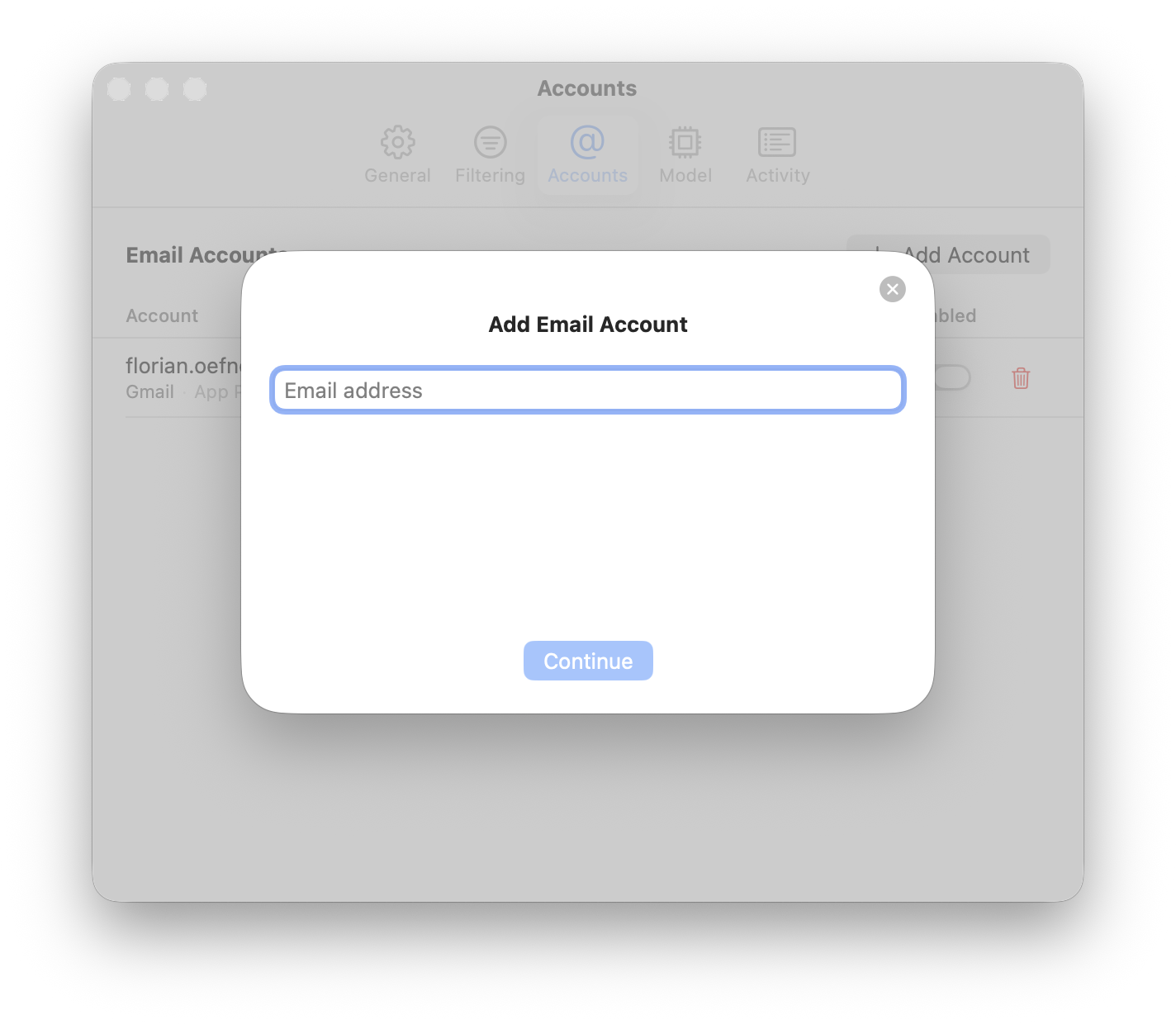
Add your email account
Connect your email account to Cloudbreak. Supports all major email providers. Takes less than a minute.
Cloudbreak is a locally run AI that filters your emails for you. No data leaves your device. Supports all major email providers & apps. Inherently compliant. Cloudbreak is a locally run AI that filters your emails for you. No data leaves your device. Supports all major email providers & apps. Inherently compliant.
Connect your email account to Cloudbreak. Supports all major email providers. Takes less than a minute.
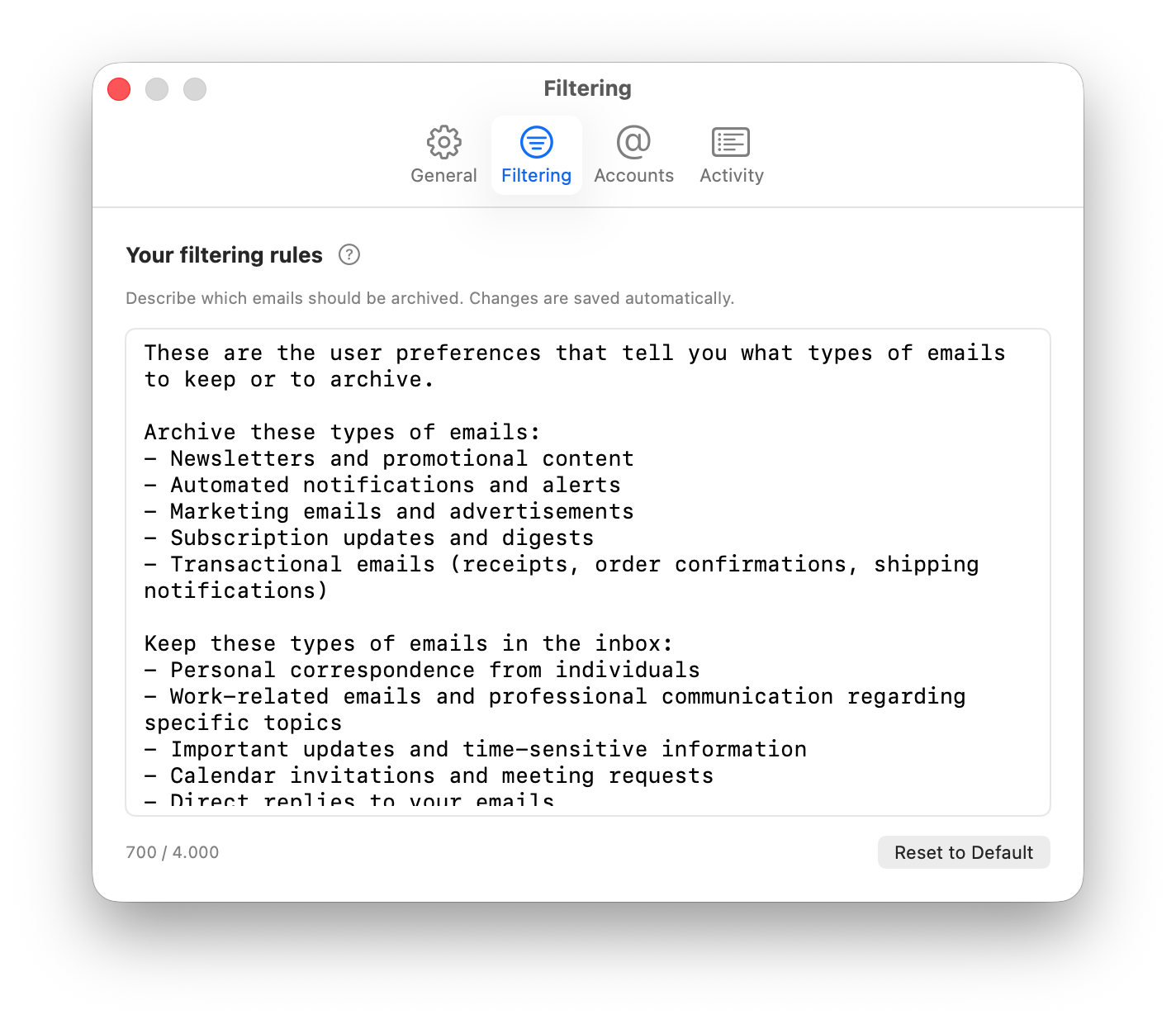
Use the default prompt or edit it to match your priorities. Tell Cloudbreak what matters to you.
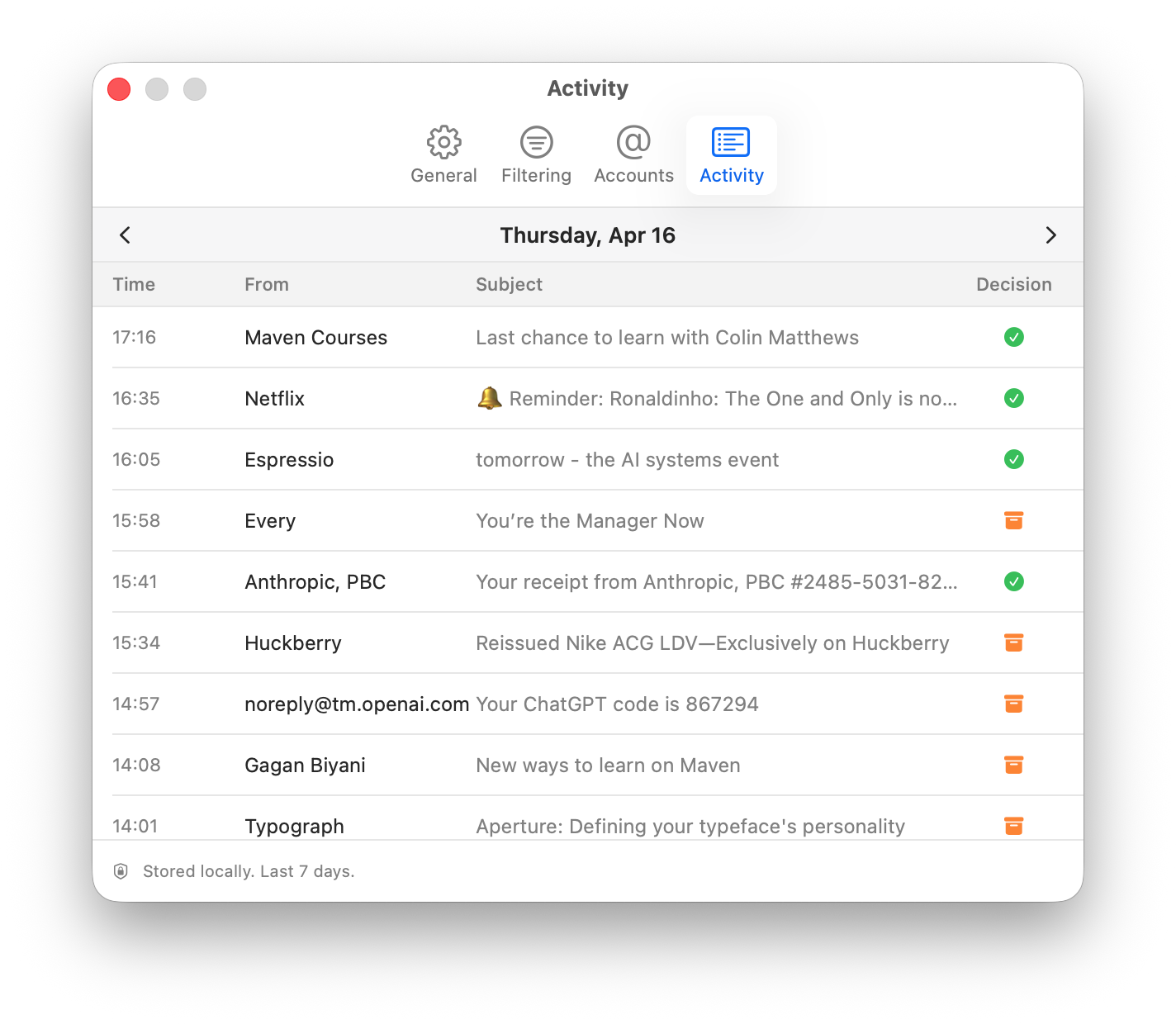
Cloudbreak runs in the background, automatically archiving unimportant emails. Check the menubar anytime.
Zero-trust by design
Everything you need to know about Cloudbreak
Cloudbreak is a Mac app that connects to your email accounts and uses a local large language model (LLM) running on your Mac to analyze incoming emails. It determines their importance based on your customizable prompt and automatically archives unimportant ones — they’re still accessible but won’t clutter your inbox.
No. Cloudbreak never deletes email — it only archives. You can review every decision in the activity log and restore any message instantly. If something was archived by mistake, just tweak your filtering prompt to be more conservative.
No. Cloudbreak can only archive emails — it cannot delete them. Archived emails remain fully accessible in your email account’s Archive folder. You can restore any email at any time through your email app or Cloudbreak’s activity log.
No. Cloudbreak is focused on one thing: keeping your inbox clean by archiving unimportant emails. It does not read, compose, forward, or reply to any emails. It only makes archive-or-keep decisions.
Yes. Cloudbreak connects directly to your email accounts via IMAP, so it works with Gmail, Outlook, Yahoo, iCloud, and any other email provider. Because it operates independently, it’s also compatible with any email app you use — Apple Mail, Outlook, Spark, Airmail, or anything else.
Absolutely. Cloudbreak uses a zero-trust architecture where all email processing happens locally on your Mac using a local LLM. Your emails never leave your device, never touch our servers, and are never used for training AI models. We don’t even have accounts — there’s nothing to log into.
Cloudbreak is inherently privacy-compliant because no email data ever leaves your device — there’s no third-party data processing involved. The only analytics Cloudbreak collects are non-personal product usage metrics, and even those can be fully opted out. This makes compliance with corporate data policies, GDPR, and similar frameworks straightforward.
Cloudbreak requires macOS 15 Sequoia or later and a Mac with Apple Silicon (M1 or later). The Apple Silicon chip is needed to run the local AI model efficiently on your device.
Yes. Cloudbreak’s core functionality is free forever. In the future, we may introduce optional paid add-ons for advanced features.
Cloudbreak runs Qwen 2.5 3B — a compact, efficient language model that runs entirely on your Mac. Because the model runs on-device, your email content never leaves your computer.
Simply drag Cloudbreak to the Trash. Your emails and Archive folder remain untouched — Cloudbreak never modifies or deletes your actual email data.
Download Cloudbreak and take back your inbox.
Download for Mac BetaRequires macOS 15 Sequoia or later